AT Auto Shoppe: catalogue and webstore design
- Problem
- No way to search by vehicle.
- What I did
- Built a Shopify store around a vehicle finder.
- Outcome
- A custom finder replaced a paid app.
Overview
4×4 customers shop by vehicle first (make, model, year) and only then by category, so the store had to work the same way.
Requirements and process
- Move the brand from a template catalogue to its own Shopify store.
- Customers must find parts that fit their vehicle across 10+ makes.
- The sales team must be able to update products and builds without a developer.
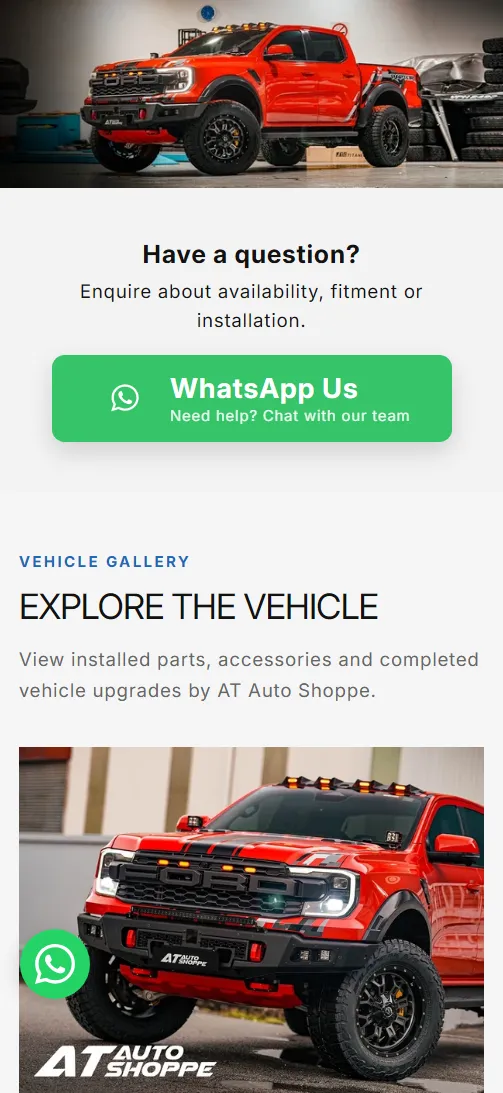
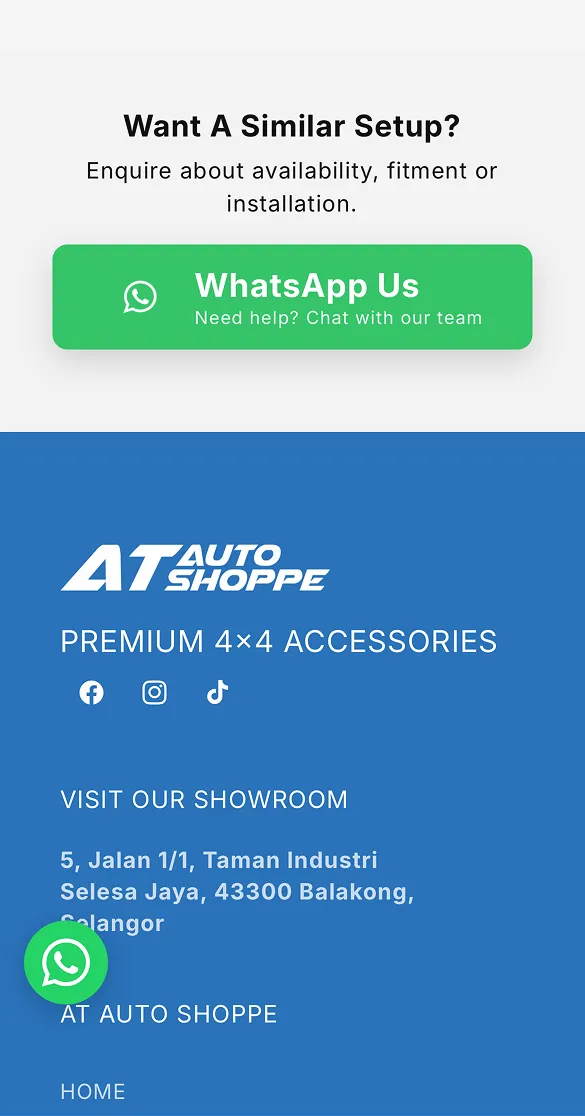
- Fitment questions must reach sales directly over WhatsApp.
Colour palette
- Brand Blue#2A72BAbrand and every primary action
- Soft Blue#BDD3EAvehicle finder (make, model, year) background
- White#FFFFFFsection backgrounds, Our Builds cards
- WhatsApp green#25D366enquiry button
- Sale red#D71920sale badges
Typography
- Inter: Heading, body text
References
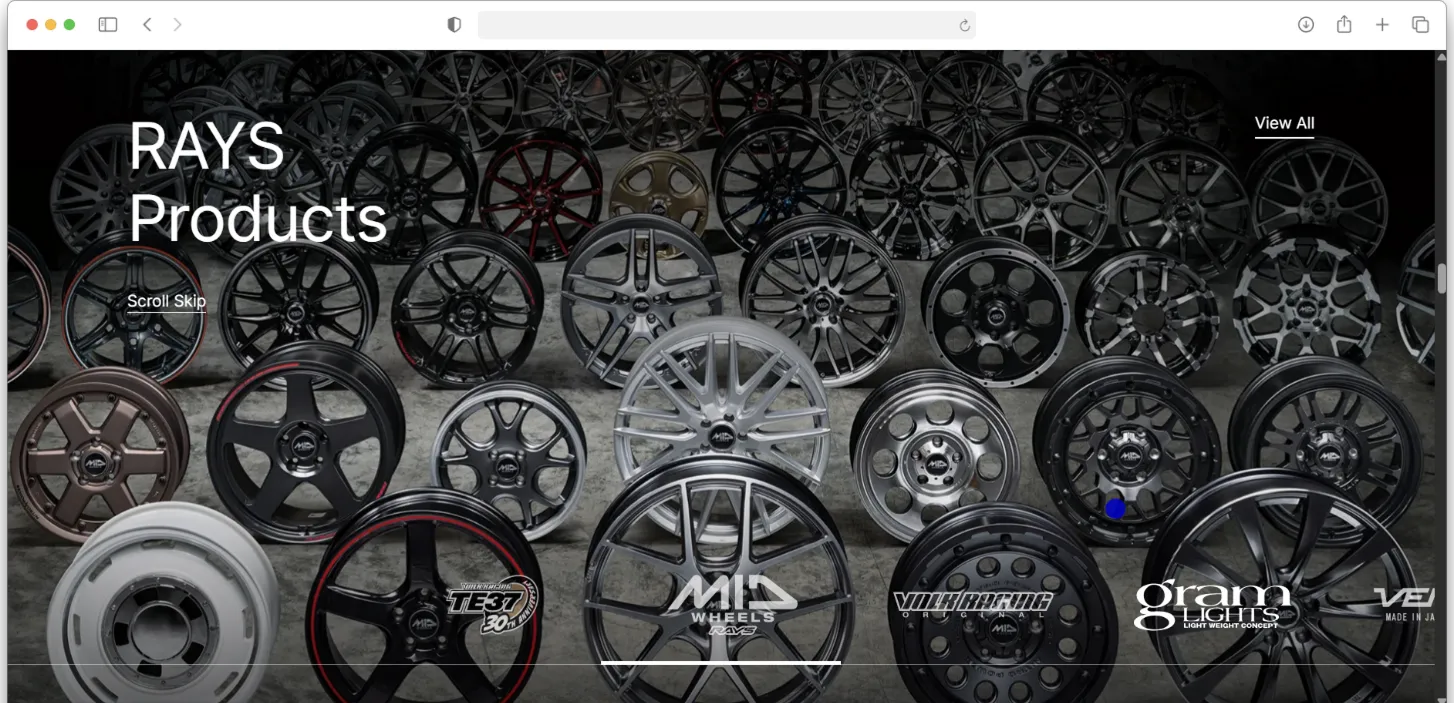
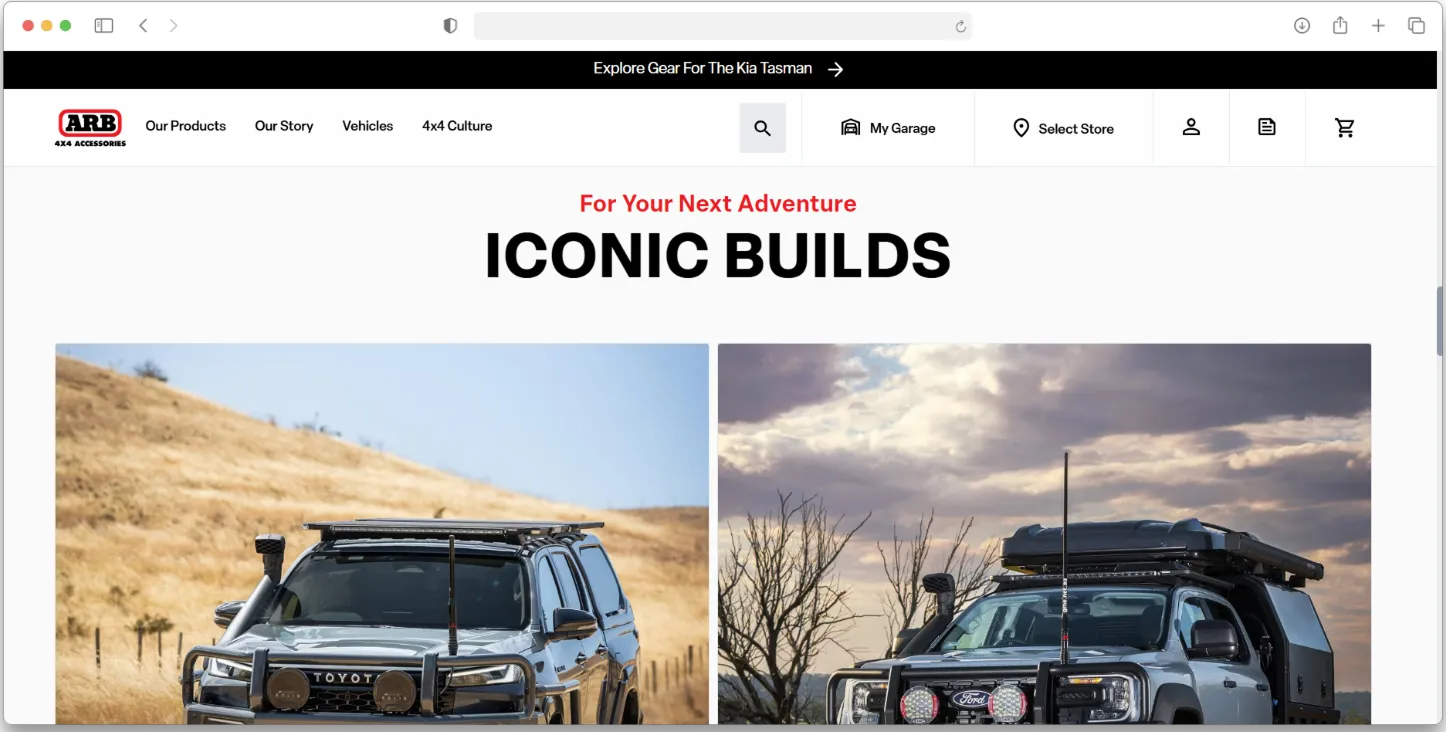
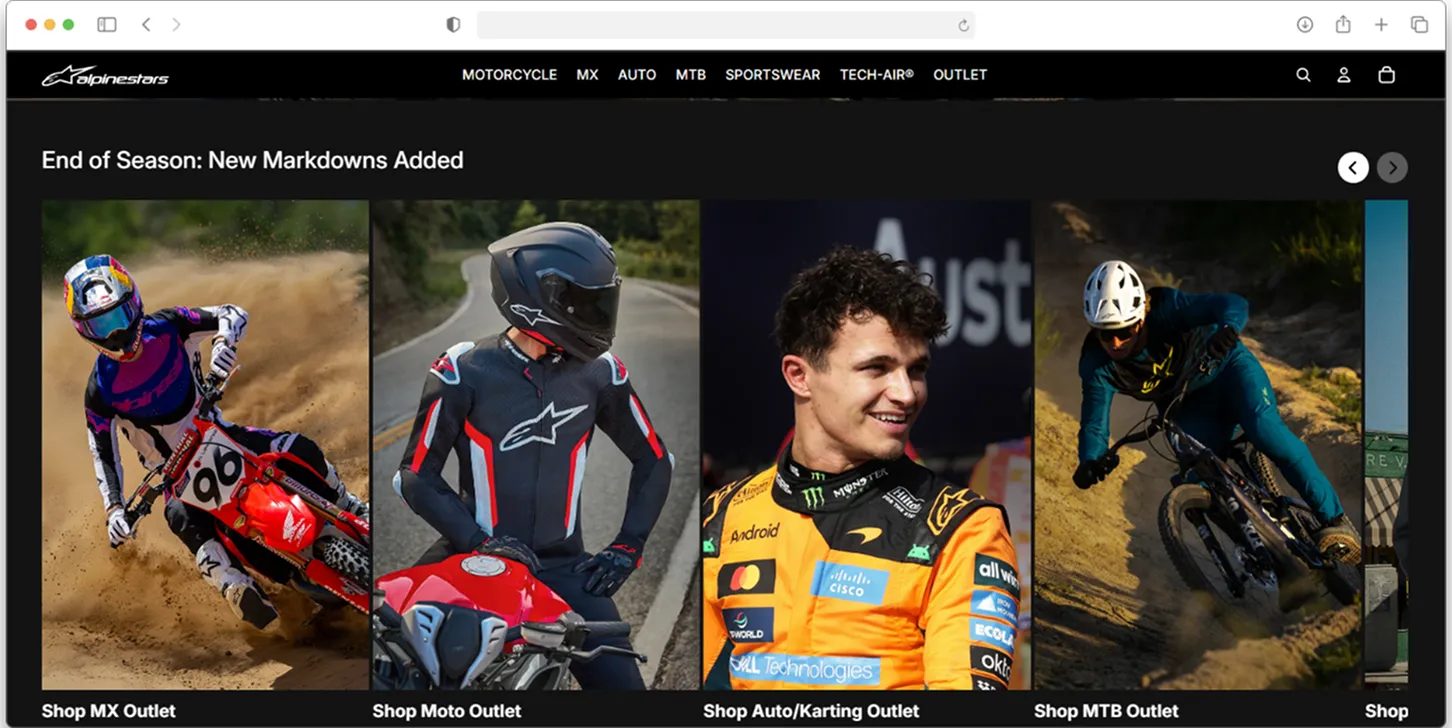
Fitment logic
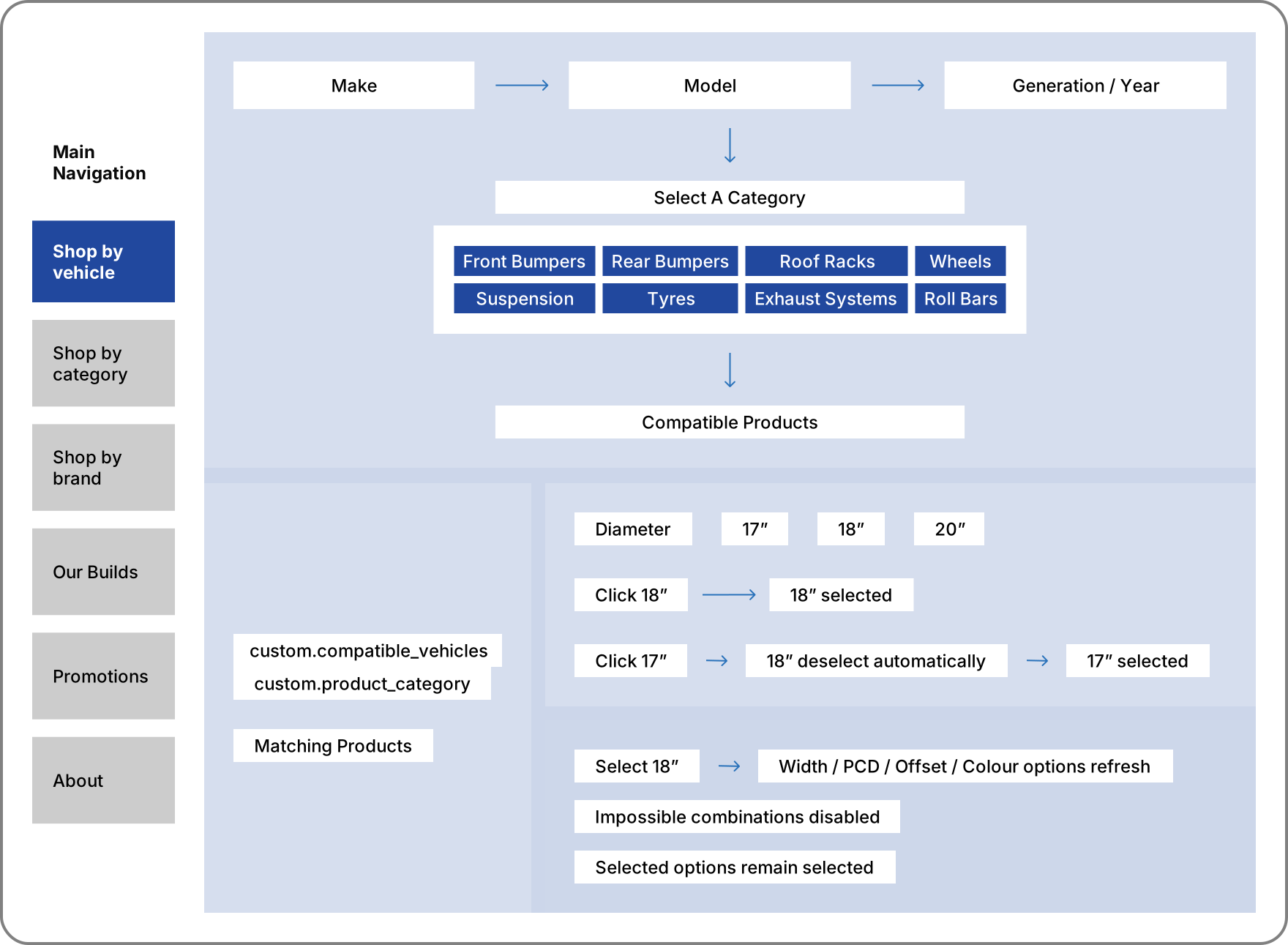
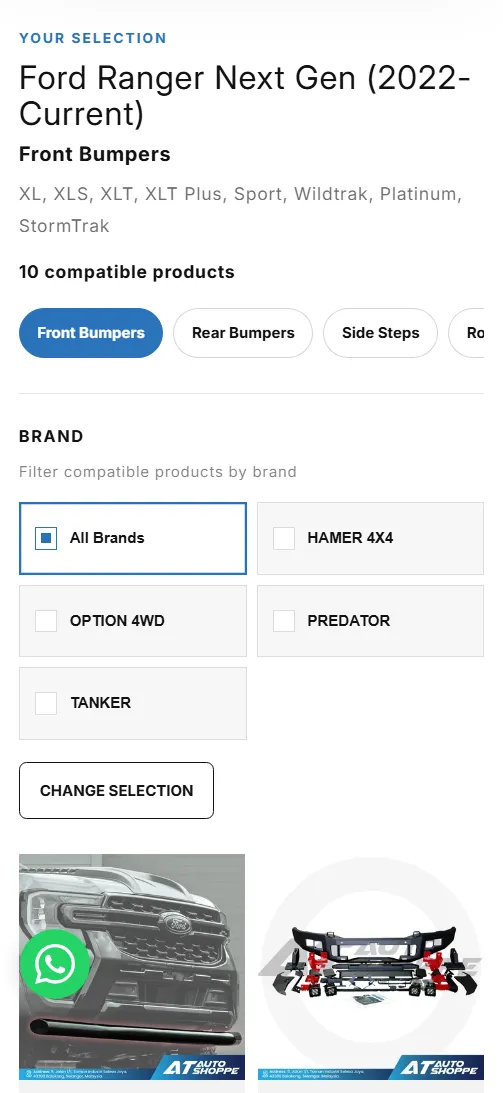
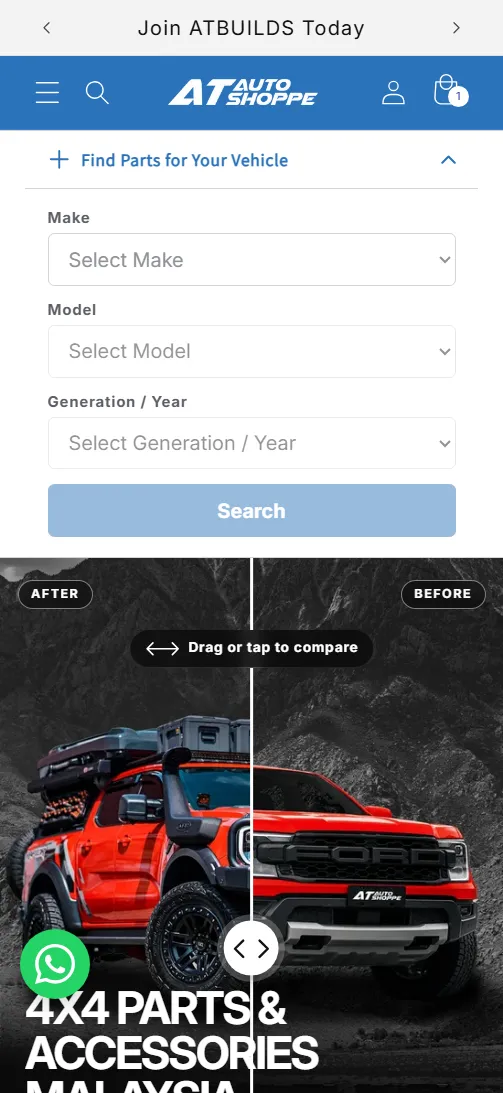
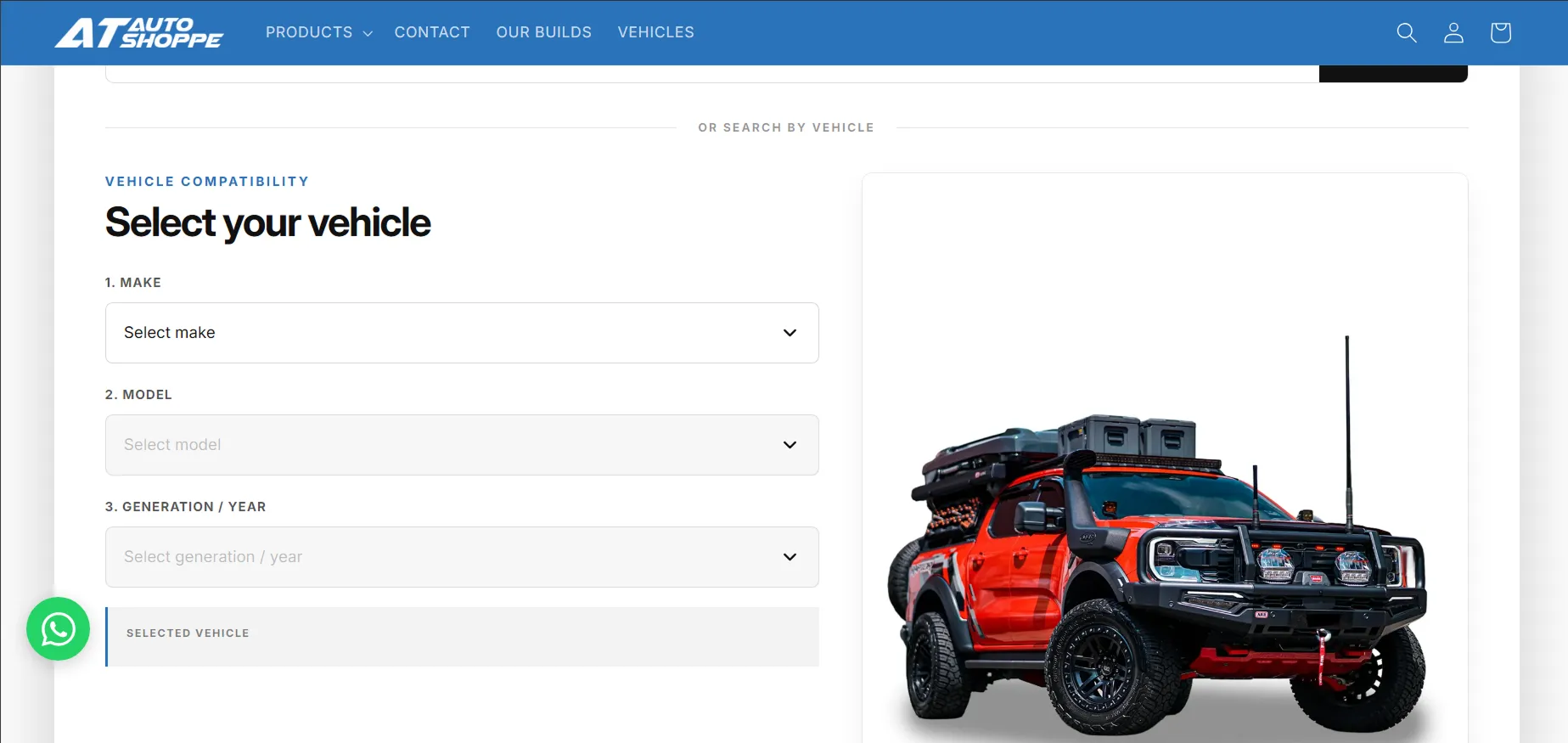
“Shop by vehicle” in the main navigation opens a make, model and year finder. Each product carries the vehicles it fits in a metafield (custom.compatible_vehicles), so the finder returns only parts that fit. Wheels follow a second rule: selecting a diameter refreshes the width, PCD, offset and colour options, disables impossible combinations and keeps valid selections.
 (enlarge)
The build
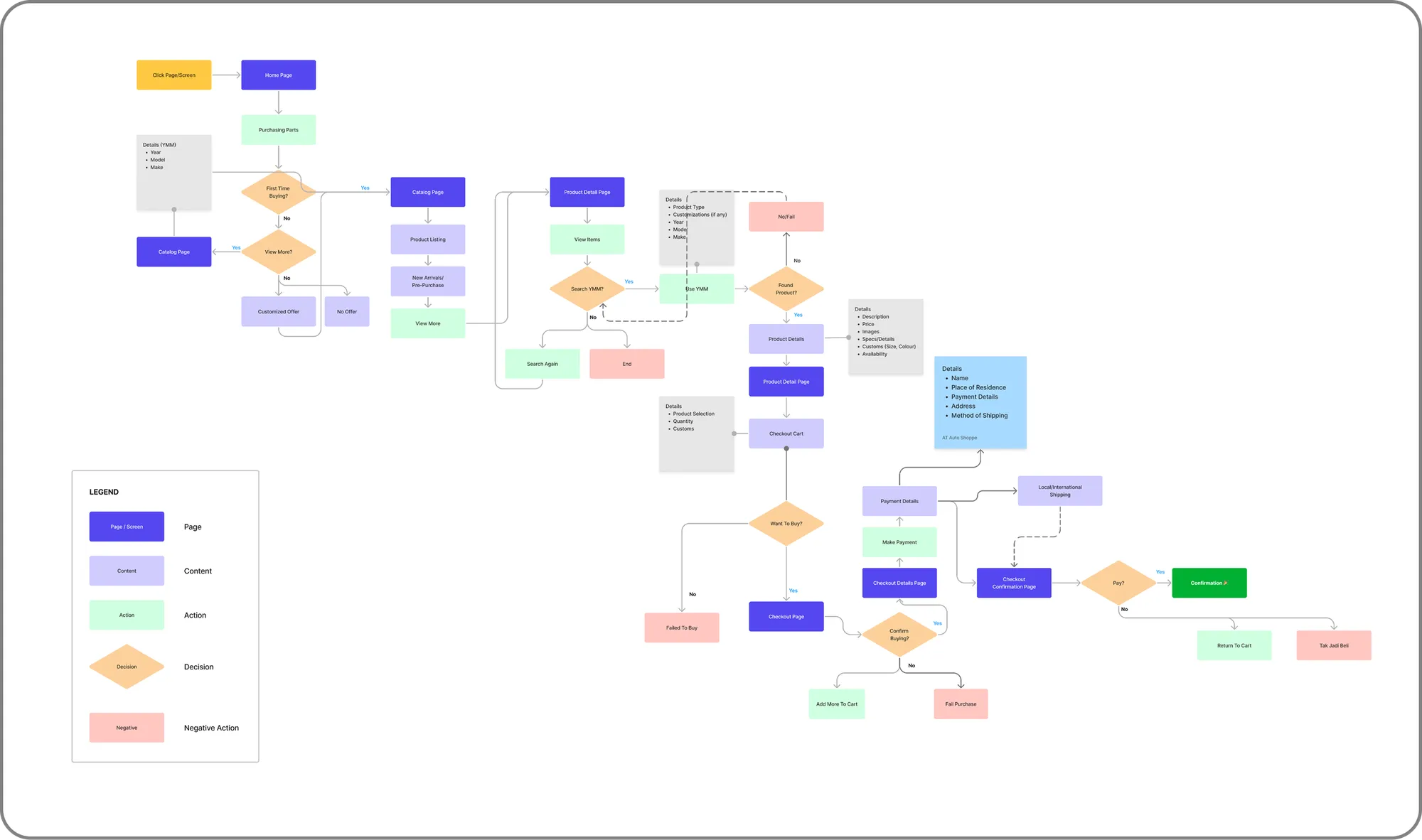
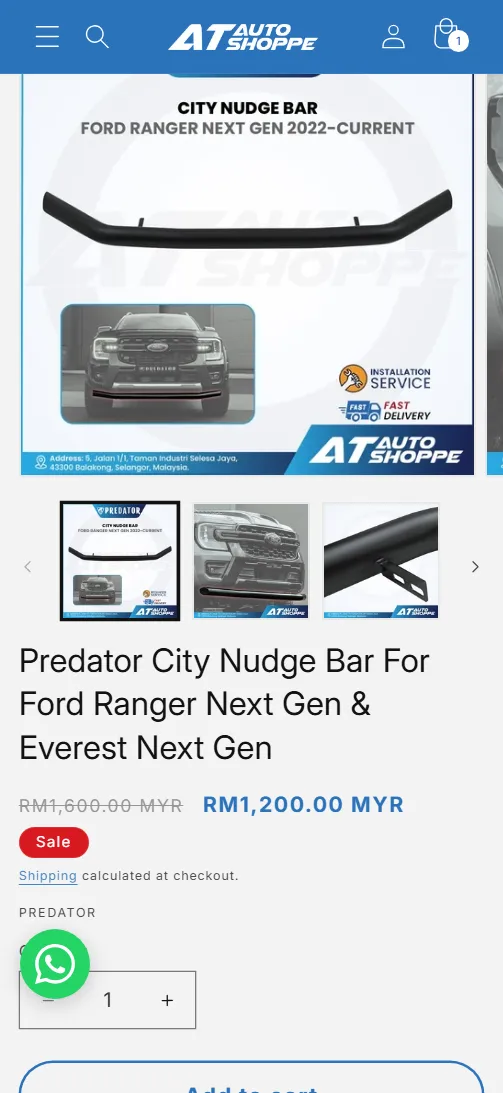
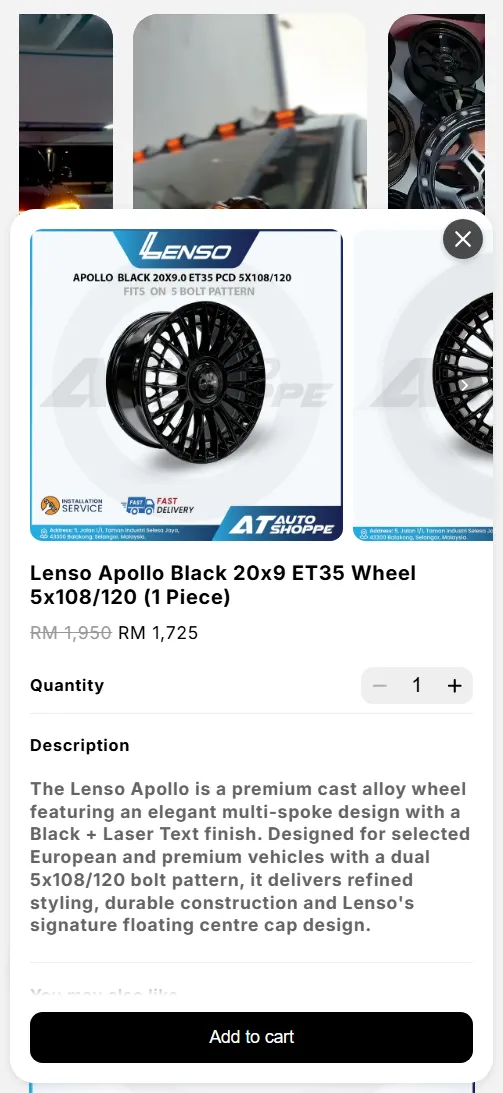
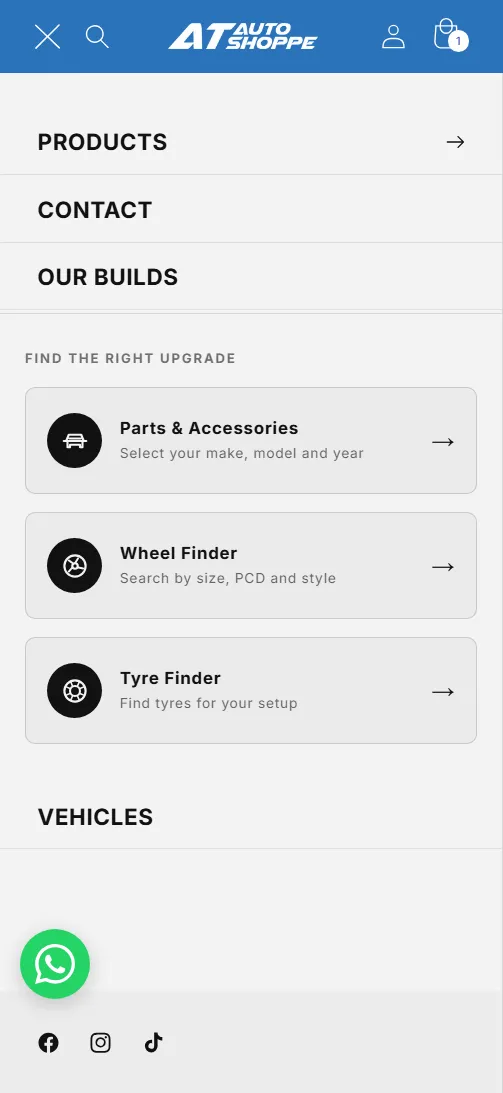
I mapped every path from vehicle selection to checkout before building. The flow covers the vehicle finder, category and brand entry points, the wheel and tyre finders, product pages with fitment notes, and the WhatsApp hand-off when a customer is unsure a part fits.
Vehicle to checkout
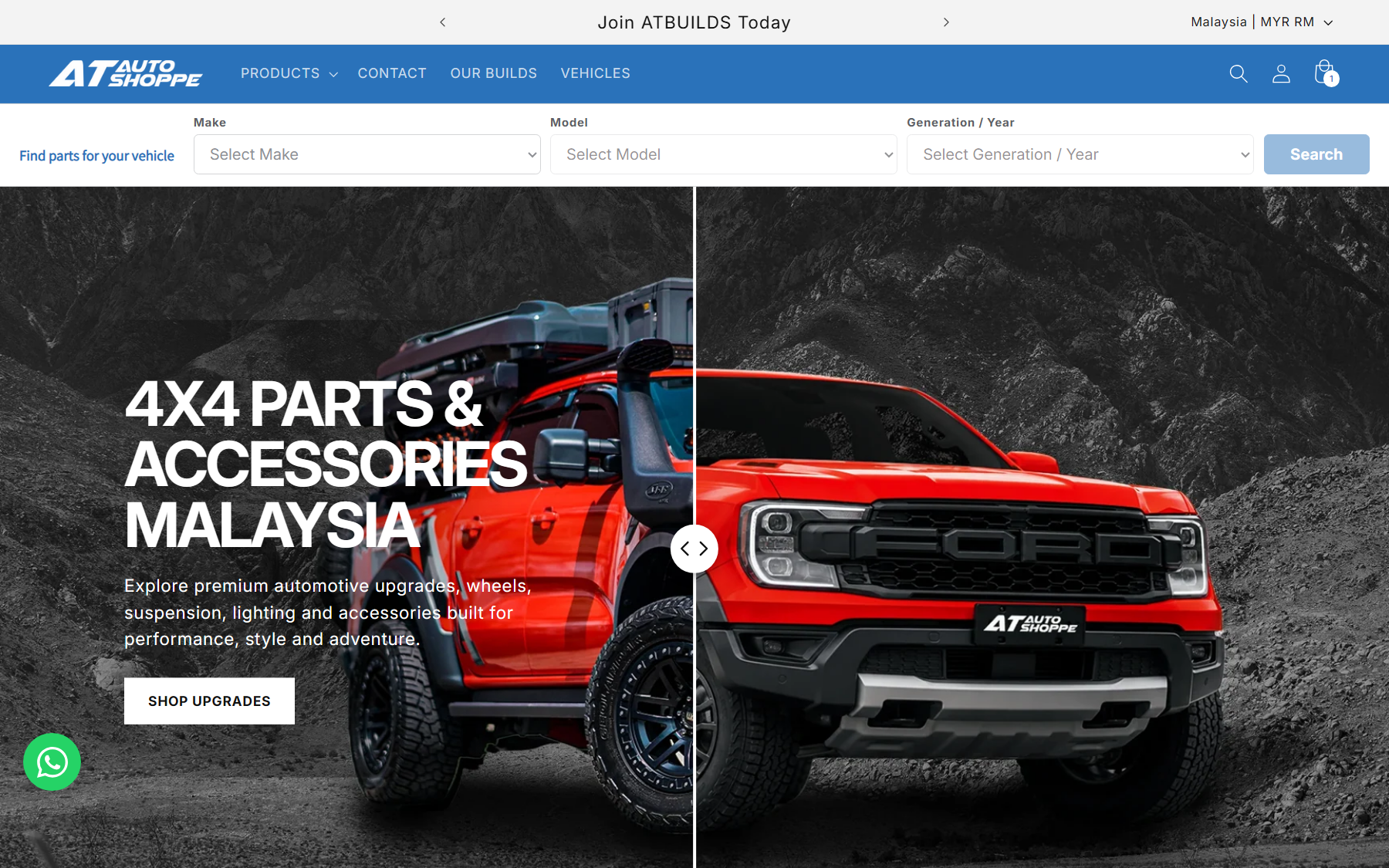
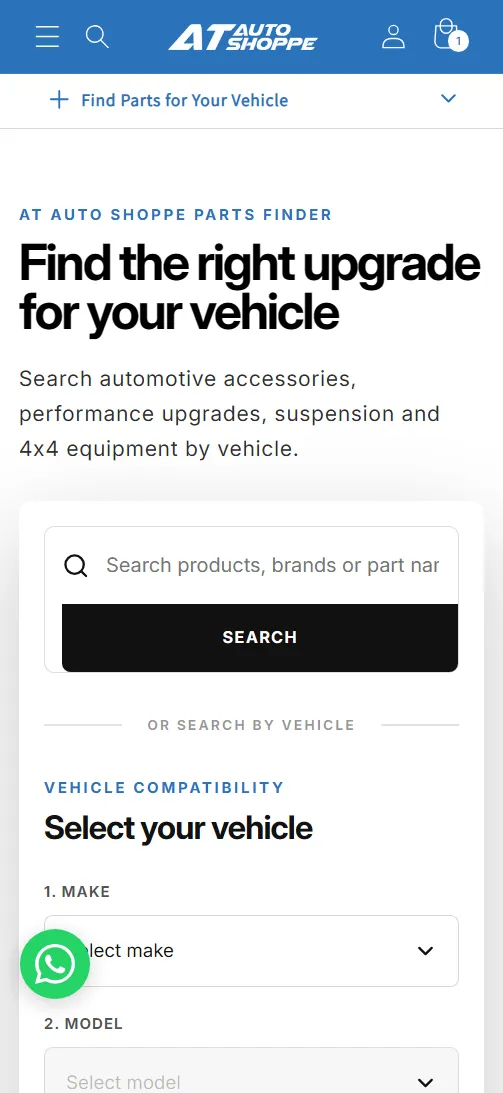
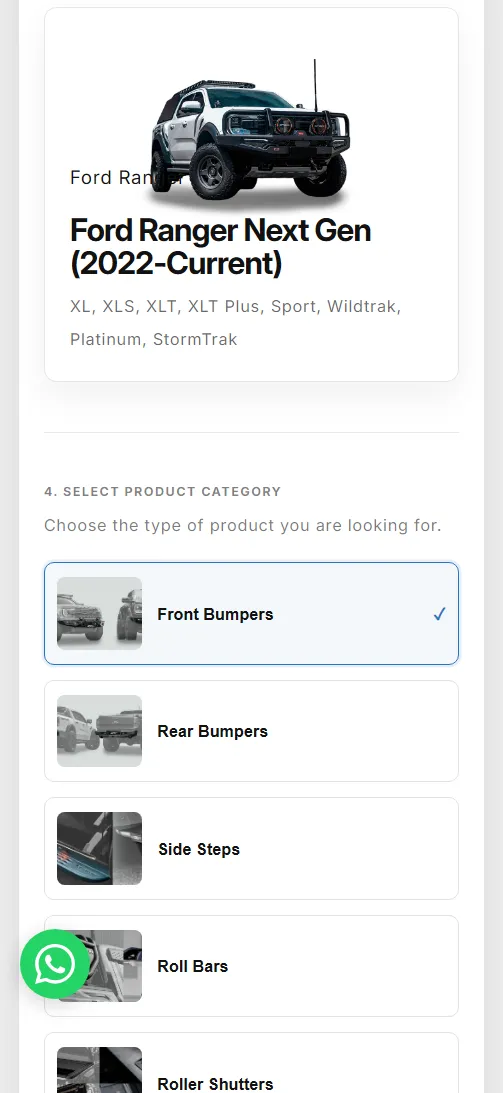
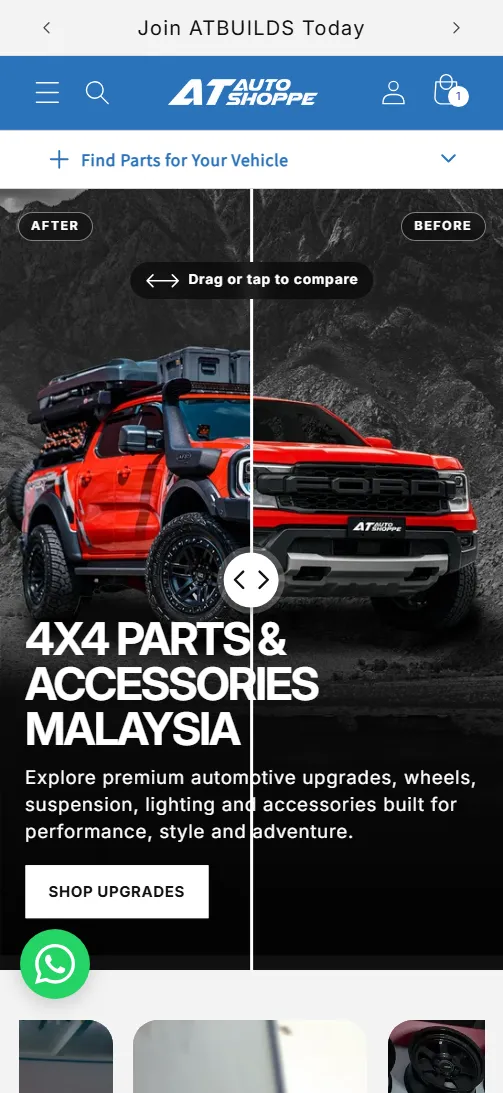
Find parts for your vehicle
Vehicle first, then category, then only the parts that fit.
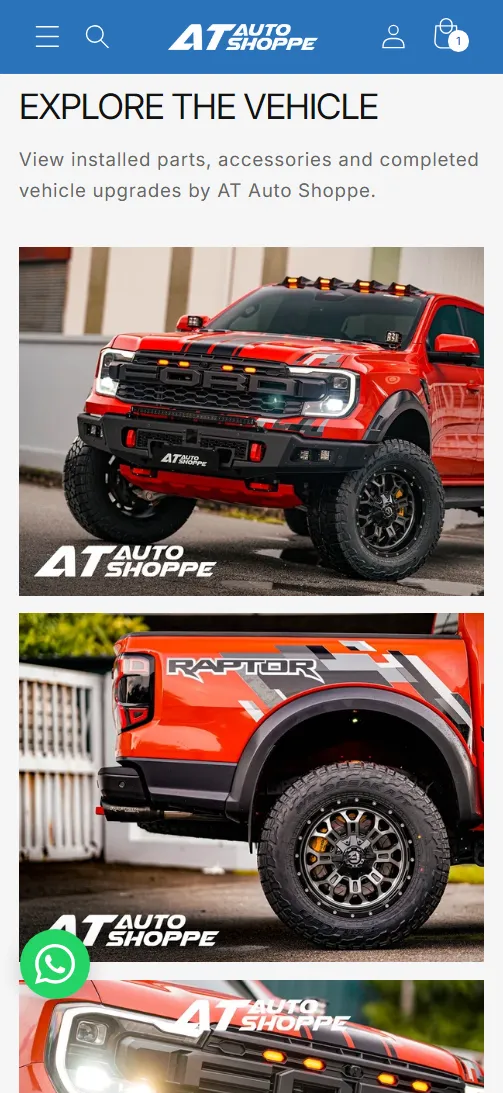
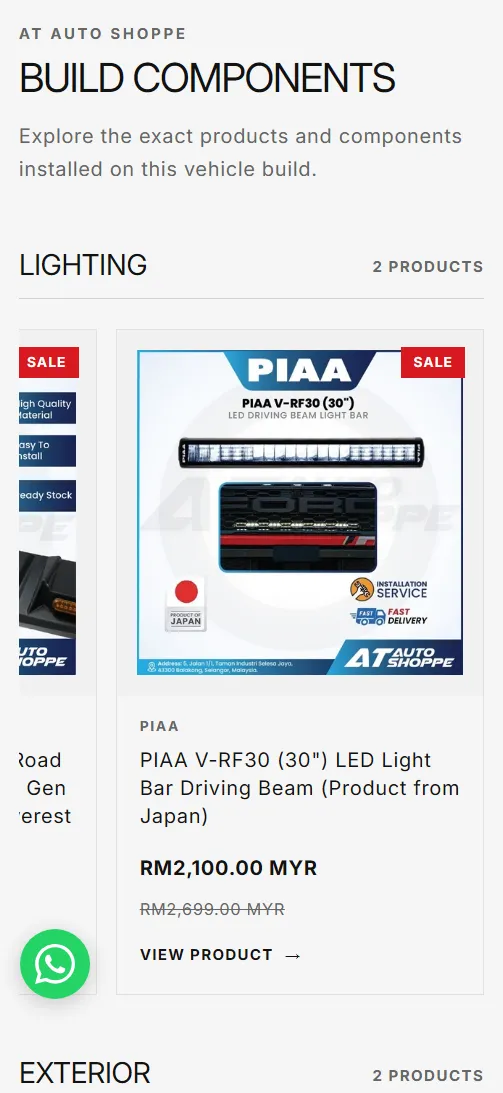
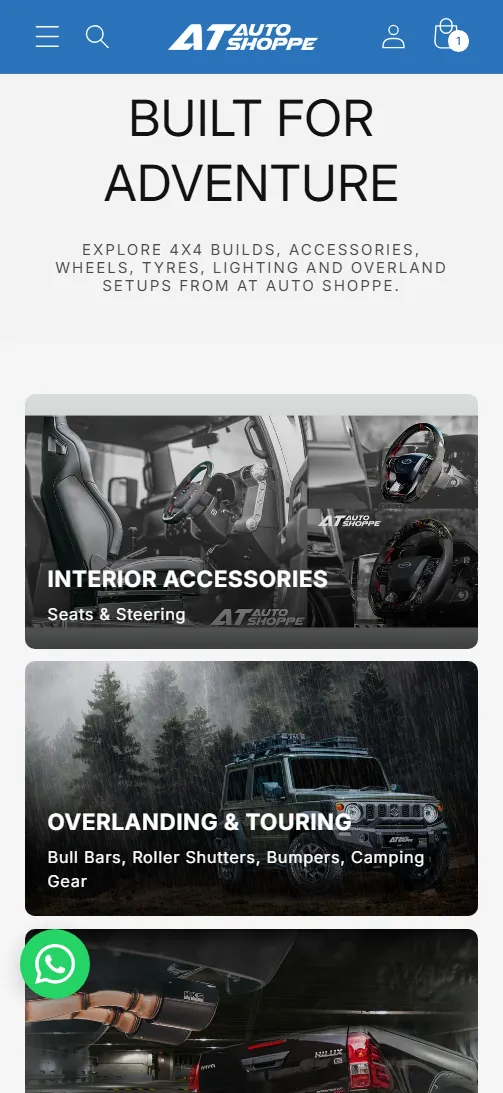
Our Builds
Each build lists its parts, so a customer can buy the whole look.
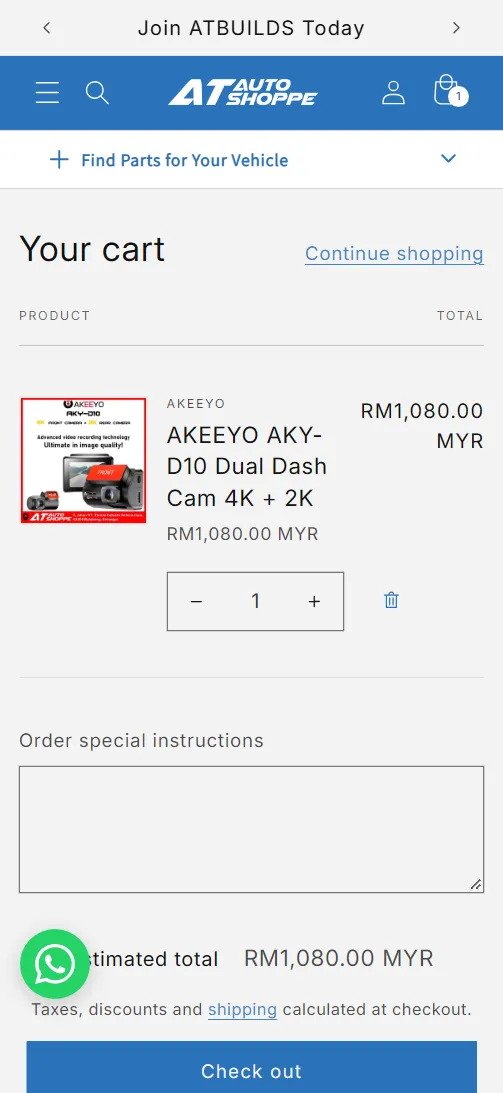
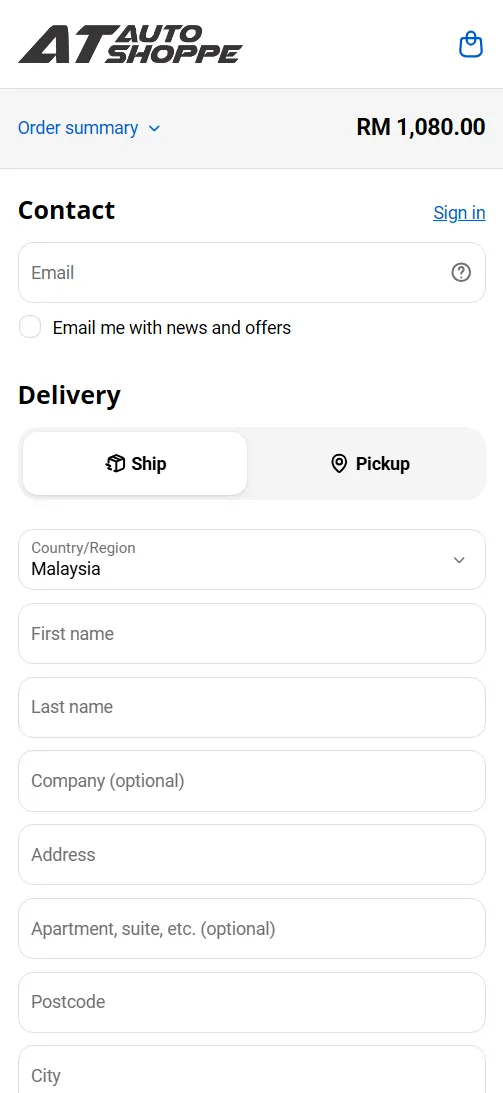
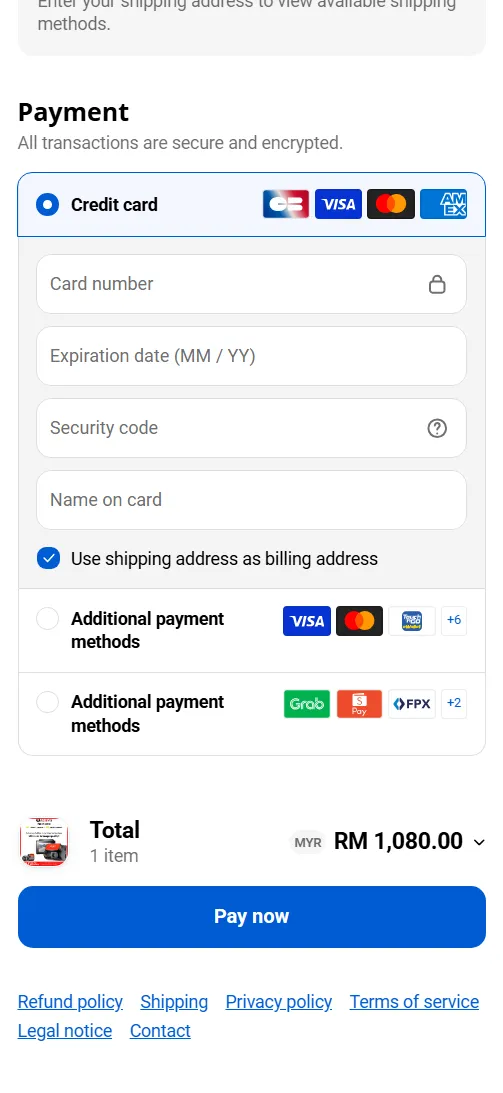
Checkout
Standard Shopify checkout, unchanged so buyers see a flow they trust.
The Solution
Rebuilt to ease customers’ search for 4x4 parts.
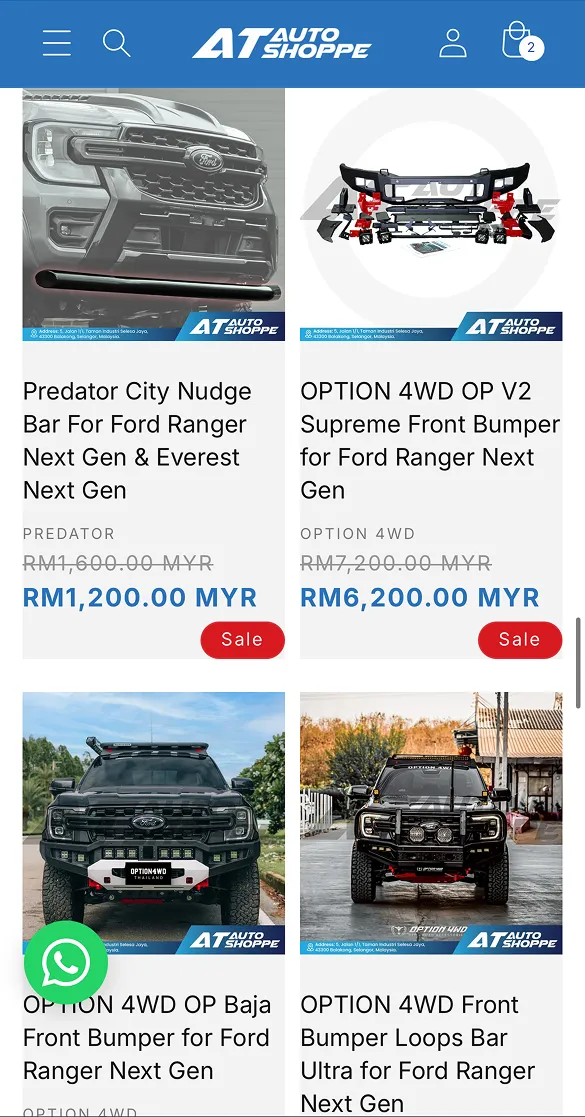
I designed and built the store on Shopify: a Make, Model and Generation/Year finder, navigation by product, vehicle and brand, dedicated wheel and tyre finders, an Our Builds showcase, and WhatsApp enquiry for fitment questions.

Feedback and iteration
| Feedback | Source | Response |
|---|---|---|
| “Wheel Finder is hard to read; J-width is shown first.” | Sales Manager, several rounds | Removed J-width as the first step and narrowed the Wheel and Tyre Finders to 4 main branches. |
| “Can we make our own custom YMM search?” | Sales Manager, several rounds | Built a custom Make/Model/Year finder in place of a paid YMM app, saving RM 80/month. |
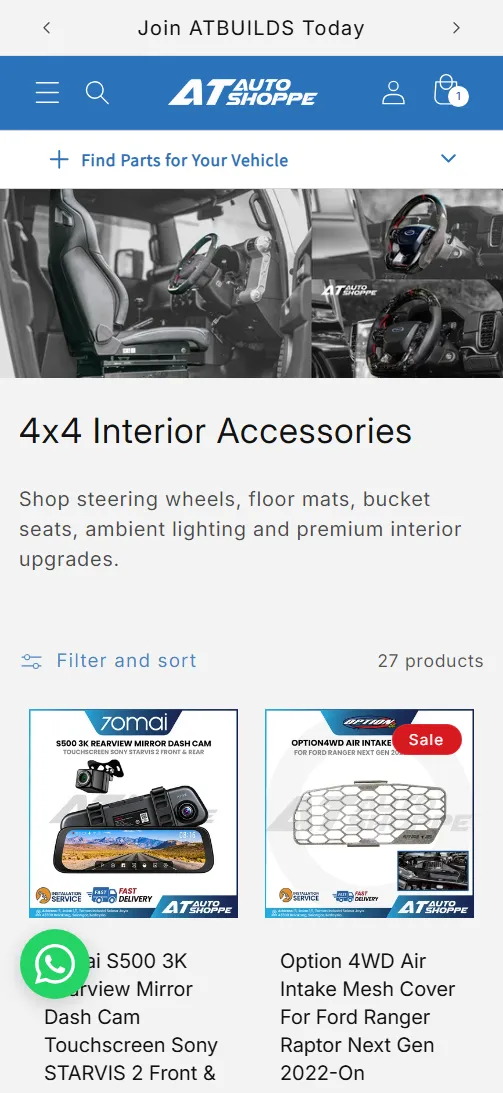
| Product filters from the old site were generic and not tuned to customer needs. | Owner, Sales Manager | Each collection has its own filters: tyres by width, aspect ratio and diameter; suspension by front or rear placement. |
| “It’s important to make a sign-up page for our customers for promotions and retention.” | Owner | Enabled account sign-up with a promotions opt-in. |
| Old URLs and product descriptions had broken links. | Owner, Sales Manager | Rebuilt product listings with proper tags, metaobject labels, and cleaned-up URLs and SKUs. 301 redirects are in progress. |
Building on a live store safely
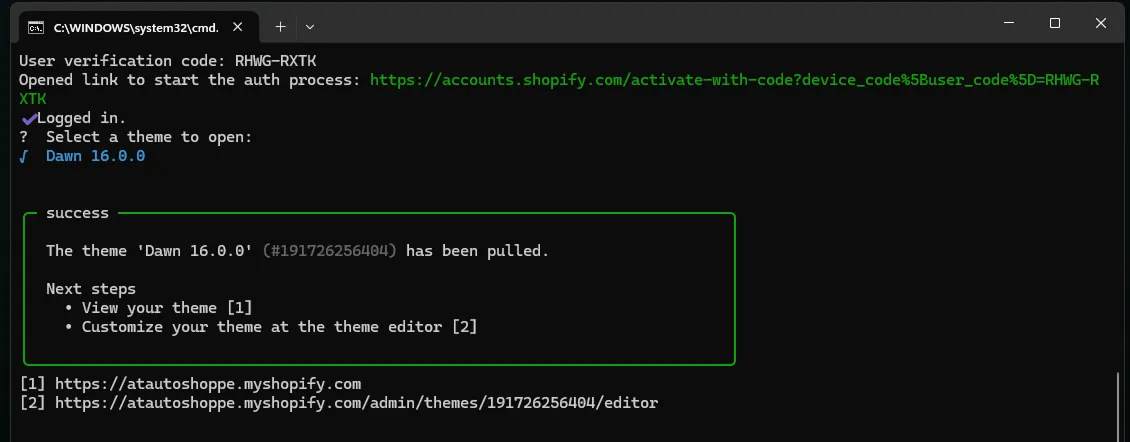
The store runs on Shopify’s Dawn 16 theme, extended with custom sections. Before changing the live store I pulled the theme locally with Shopify CLI and kept it under version control, so every edit can be reviewed and rolled back.
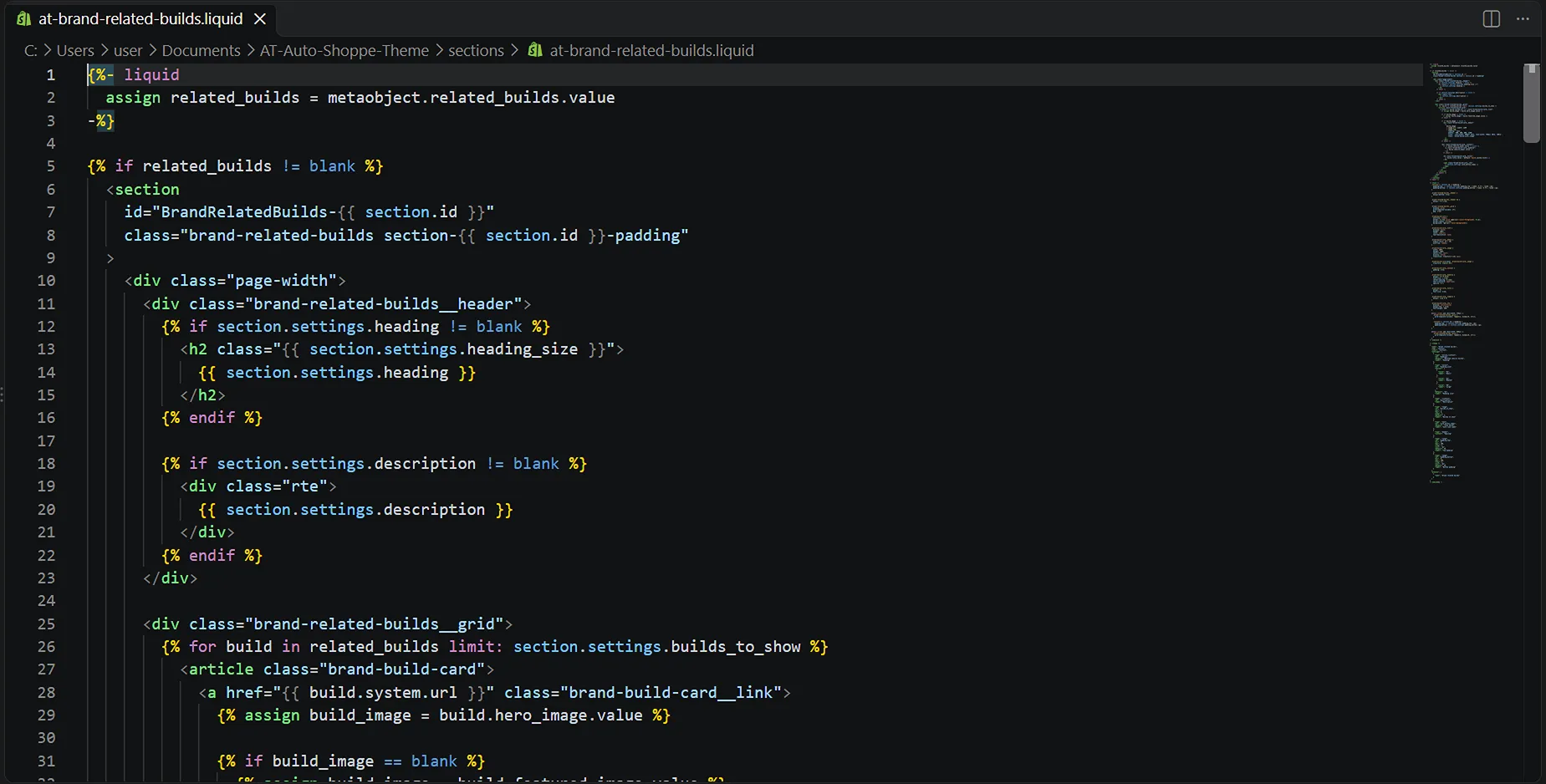
The code was written with AI assistance. I specified the metaobject schema and the selection rules, then reviewed and debugged every section.
Status
Launched in 2026. Finder usage, conversion and WhatsApp enquiries are being tracked from launch; results will be added here.
Reflection
Building the store myself showed how much the structure decisions drive everything downstream, from navigation to sales. Using AI to write code taught me to specify behaviour precisely and to review what I ship. Next, I would track how often customers use the finder and whether its compatibility results lead to purchases or WhatsApp enquiries.